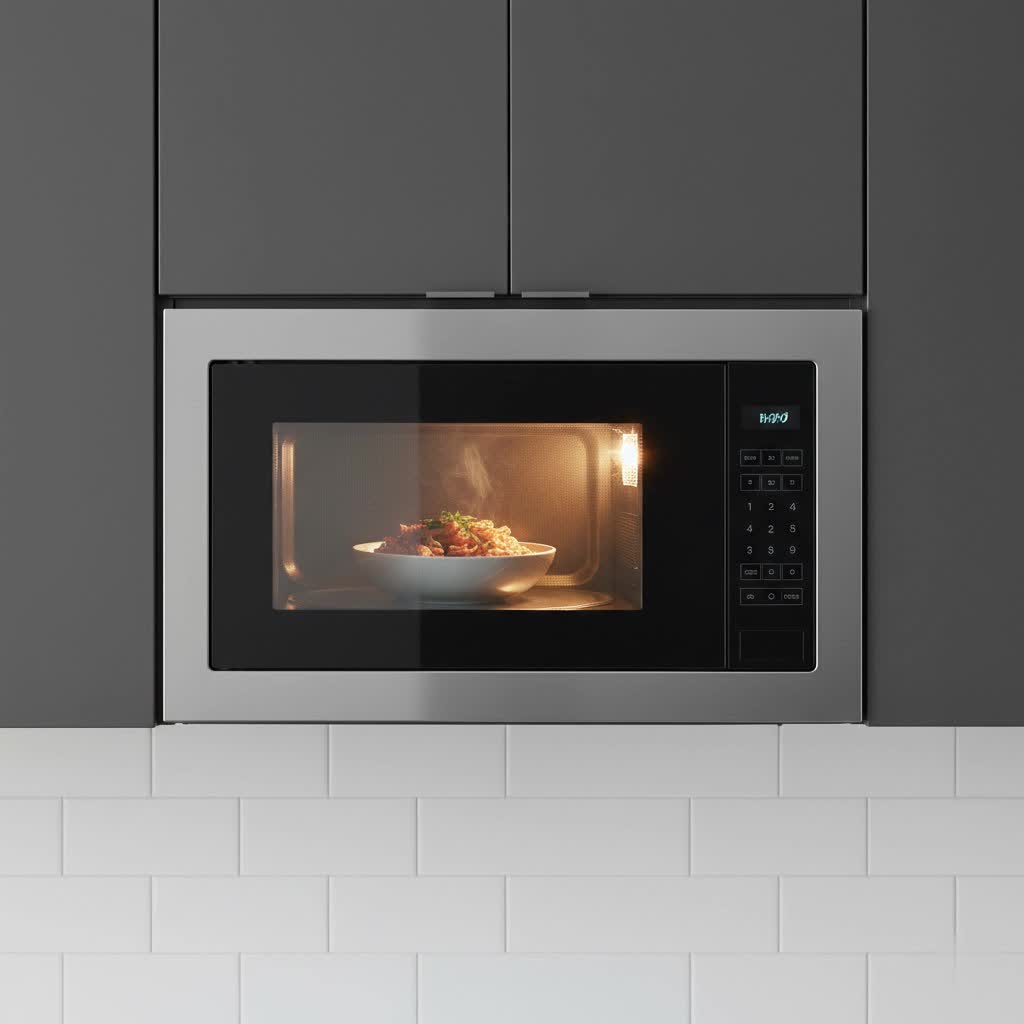
The persistent beep, beep, beep of a microwave announcing its completion can be a jarring interruption in an otherwise peaceful kitchen, especially late at night or early in the morning. Whether you’re trying not to wake sleeping family members, prefer a more serene cooking environment, or simply find the constant alerts annoying, you’re not alone. Many modern microwaves offer a “silent mode” or a way to reduce these sounds, but the exact method can often feel like a well-kept secret. This comprehensive guide will walk you through the various ways to quiet your microwave, transforming your cooking experience from noisy to serene.
Why Do Microwaves Beep? Understanding the Alerts
Before diving into silencing techniques, it helps to understand why microwaves beep in the first place. These sounds serve several purposes. Primarily, they act as an audible alert to signal that a cooking cycle has finished, preventing your food from sitting forgotten. They also provide tactile feedback, confirming that a button press has registered successfully on the control panel. While these functions are helpful, many users desire the option to turn them off, or at least significantly reduce their volume.
Universal Methods to Mute Your Microwave
While specific steps can vary by brand and model, there are several common approaches you can try to silence your microwave. It’s always a good idea to start with these general methods before diving into model-specific instructions or your owner’s manual.
Look for a Dedicated “Sound” or “Mute” Button
Table is empty.This might seem obvious, but many microwaves feature a button specifically designed to control audio alerts. This button may be labeled “Sound,” “Mute,” “Tone,” or display a speaker icon. Often, pressing it once will toggle the sound on or off. In some cases, you might need to press it repeatedly to cycle through different volume levels or modes (e.g., high, low, off).
Press and Hold Number Buttons (0, 1, 2, or 3)
One of the most widely used shortcuts to silence a microwave involves pressing and holding a specific number button. The “0” button is a very common candidate for this function, but “1,” “2,” or “3” are also frequently used. Try pressing and holding one of these number keys for about 3 to 5 seconds. You might hear a long beep, see a “Muted” or “Sound Off” message on the display, or simply notice the absence of button tones or end-of-cycle beeps. If it doesn’t work with one number, try another.
Press and Hold “Stop” or “Cancel” Buttons
Similar to the number buttons, the “Stop,” “Cancel,” or “Clear” button can sometimes double as a mute control. Press and hold this button for approximately 3 to 5 seconds. Be aware that on some models, holding this button might activate a “Child Lock” feature, which disables the control panel. If this happens, repeat the same action (pressing and holding) to deactivate the child lock.
Navigate Through Settings Menus
More sophisticated or newer microwave models often feature a digital display and a settings menu, similar to a smartphone or other smart appliances.
- Access the Menu: Look for buttons like “Settings,” “Options,” “Clock,” or “Tools.”
- Find Sound Options: Once in the menu, scroll or navigate to find “Sound,” “Volume,” “Alerts,” or “Beeper” settings.
- Adjust or Mute: Follow the on-screen prompts to either turn the sounds completely off, or adjust the volume level to your preference (e.g., low, medium, high).
Consult Your Owner’s Manual
The most reliable and definitive source for silencing your specific microwave model is always the owner’s manual. If you no longer have the physical copy, you can almost always find a digital version (PDF) on the manufacturer’s official website. Search for your microwave’s brand and model number, then use the search function (Ctrl+F or Command+F) within the PDF to look for terms like “mute,” “sound,” “beep,” “volume,” or “alerts.”
Brand-Specific Muting Instructions
While the universal methods cover most scenarios, some brands have their own specific quirks. Here’s a quick rundown for some popular microwave manufacturers:
- Samsung Microwaves: Many Samsung models allow you to mute the beep by pressing and holding the “0” button or a dedicated “Sound” button for about 3 seconds.
- LG Microwaves: For many LG microwaves, pressing and holding the “0” button or the “Stop/Clear” button for approximately 3 seconds will toggle the sound.
- GE Microwaves: On newer GE models, try pressing and holding the “0” or “1” button for about 3 seconds. Some GE microwaves may also have a specific “Beeper Volume” button to adjust settings.
- Whirlpool Microwaves: Certain Whirlpool models use number buttons like “1,” “2,” or “3.” Press and hold one of these for 3-5 seconds to mute.
- Panasonic Microwaves: For many Panasonic models, holding down the “Start” button for about 5 seconds can silence the beeps.
- Sharp Microwaves: On many Sharp microwaves, pressing and holding the “Stop/Clear” button for 3 seconds is the way to go.
Always remember that these are general guidelines; your specific model might differ.
What if Your Microwave Keeps Beeping Randomly?
If your microwave is beeping erratically or constantly, even when not in use or after following muting instructions, it might indicate a different issue beyond a simple sound setting.
- Power Cycle: The first troubleshooting step is often a simple power cycle. Unplug your microwave from the wall outlet, wait for a minute or two to allow any residual power to dissipate, then plug it back in. This can often reset the internal computer and resolve temporary glitches.
- Sticky Buttons or Dirty Interface: Sometimes, a stuck button or a dirty control panel (with food residue or grease) can register phantom presses, causing the microwave to beep. Gently clean the control panel with a soft, damp cloth.
- Internal Fault: If random or constant beeping persists after these steps, it could indicate a more significant internal problem, such as a faulty control board or membrane switch. While it’s generally safe to continue using the microwave if it otherwise functions correctly, the annoyance might prompt you to consider professional repair or, for older models, replacement.
Tips for a Quieter Kitchen Experience
Beyond muting, there are other ways to ensure a more peaceful kitchen:
- Choose Wisely: When purchasing a new microwave, look for models that explicitly advertise a “mute function,” “silent mode,” or “adjustable volume settings.” Read reviews to confirm the effectiveness of these features.
- Manual Intervention: Some microwaves might not have a full mute option but will stop beeping once the door is opened. Getting into the habit of opening the door immediately after the timer finishes can cut short the end-of-cycle alerts.
“A truly silent kitchen is a luxury worth pursuing. Modern appliance design is increasingly recognizing this, offering intuitive controls for sound management.” – Jane Doe, Appliance Design Specialist
Conclusion
The incessant beeping of a microwave can quickly grate on your nerves, but thankfully, most modern appliances offer ways to achieve a quieter cooking experience. By checking for a dedicated sound button, trying common button combinations like holding “0” or “Stop,” or navigating through a settings menu, you can often find the relief you’re looking for. If all else fails, your owner’s manual is your ultimate guide, providing precise instructions for your specific model. With a little patience, you can reclaim the peace in your kitchen, ensuring that your next midnight snack or early morning coffee prep doesn’t disturb anyone. Have you found a particularly clever way to silence your microwave?
Frequently Asked Questions
Is it possible to mute all microwaves?
No, not all microwaves have a mute function. Older or more basic models may not offer the ability to silence button presses or end-of-cycle alerts. However, it is a common feature on many modern appliances.
Can muting my microwave damage it?
No, activating a built-in mute function will not harm your microwave. These features are designed by manufacturers to be part of the appliance’s normal operation and safely disable or adjust the audio output.
Why did my microwave suddenly start beeping constantly?
If your microwave is beeping constantly or randomly, it might indicate a minor glitch or a more serious internal issue. Try unplugging it for a few minutes to reset it. If the problem persists, it could be due to a sticky button, a dirty control panel, or an internal electronic fault, which might warrant a repair or replacement.